Timeliner: Music

Watch a music video. Guess when the song came out. First full timeline wins.

You watch a video with everyone else and decide where that song sits on your timeline. Earlier than this one, later than that one. Nobody tells you the year, so you are reading the clothes, the production and the size of the video budget.

Anyone can challenge a placement they think is wrong, and that is where the evening usually starts. Win the challenge and you take the card. Name the song outright and you earn a star.

Nobody sits out for long, a game runs about fifteen minutes, and it works with two people or eight.

  • 1–8 players
  • About 15 minutes
  • Free
  • No download
Singers from four eras of music together on a concert hall stage under coloured lights

How each way works

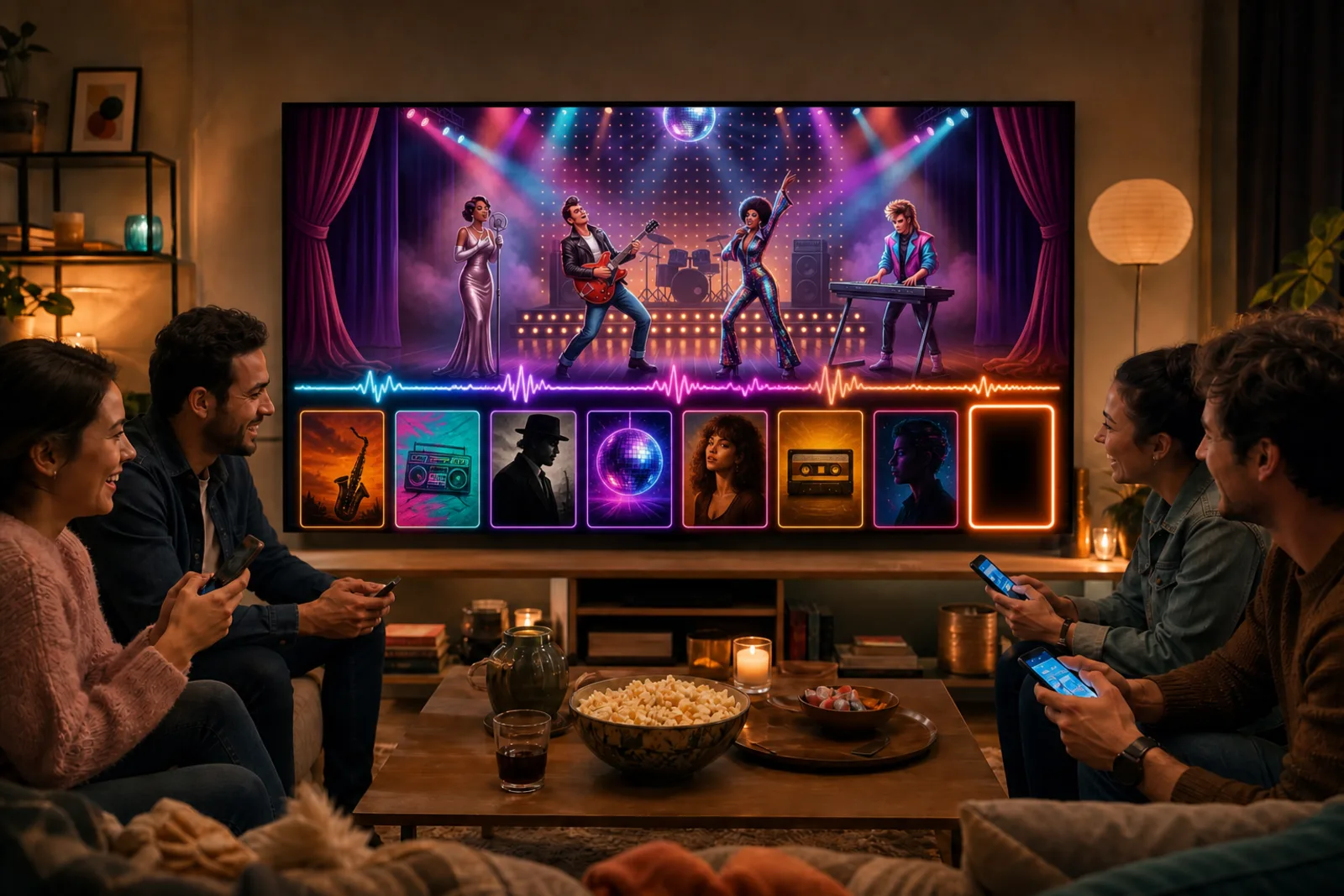
Friends playing Timeliner: Music on a television they can all see, each with a phone

Play with a group in your room

A TV, laptop or tablet — a phone each

Open the board on the television, laptop or tablet everyone can see. The music videos play there, big and loud, while each player places songs and fires off challenges from their own phone. One screen for the show, one in every hand.

Open the board
People in different cities playing Timeliner: Music with strangers on their own screens

Play live online with people worldwide

Your own phone, tablet or laptop — anywhere in the world

Sit down at a public table with people you have never met. Each of you plays on your own phone, tablet or laptop, anywhere in the world, and the video starts on every screen at the same moment.

Start a table
Friends gathered around one tablet playing Timeliner: Music

On one device

One phone, tablet or laptop

Open the game on a phone, tablet or laptop. Play on your own, or take turns placing songs on the same screen. No extra devices, no account.

Play on this screen

How to play

  1. Everyone watches the same music video.
  2. On your turn, slot the song into your timeline between the songs you already have.
  3. Get it right and it stays. Get it wrong and it goes.
  4. Anyone can challenge a placement. Win the challenge and you take the card.
  5. Name the song for a bonus star. First to fill their timeline wins.

Questions

Is Timeliner: Music free to play?

Yes, and there is nothing to buy later. Timeliner: Music runs in your browser: no download, no app store, no payment.

Do I need to install anything?

No. Open the link and play. It works on a phone, a tablet, a laptop and any television with a browser, and everyone at a table can be on a different kind of device.

What does “Play with a group in your room” mean?

Open the board on the television, laptop or tablet everyone can see. The music videos play there, big and loud, while each player places songs and fires off challenges from their own phone. One screen for the show, one in every hand.

What does “Play live online with people worldwide” mean?

Sit down at a public table with people you have never met. Each of you plays on your own phone, tablet or laptop, anywhere in the world, and the video starts on every screen at the same moment.

What does “On one device” mean?

Open the game on a phone, tablet or laptop. Play on your own, or take turns placing songs on the same screen. No extra devices, no account.

How many people can play?

1–8 players. Play around one shared screen, or fill a table with up to 8 people — in the same room or live online.

How long does a game take?

About 15 minutes. First to ten cards on the timeline wins — everyone starts with one already placed.

Do I need an account?

Only if you want to start a game for other people to join. Playing on one shared screen works without one, and so does joining a game a friend started — you just choose a name.

Ready when your friends are.

No download, no app. Timeliner: Music opens in the browser they already have.

Start playing